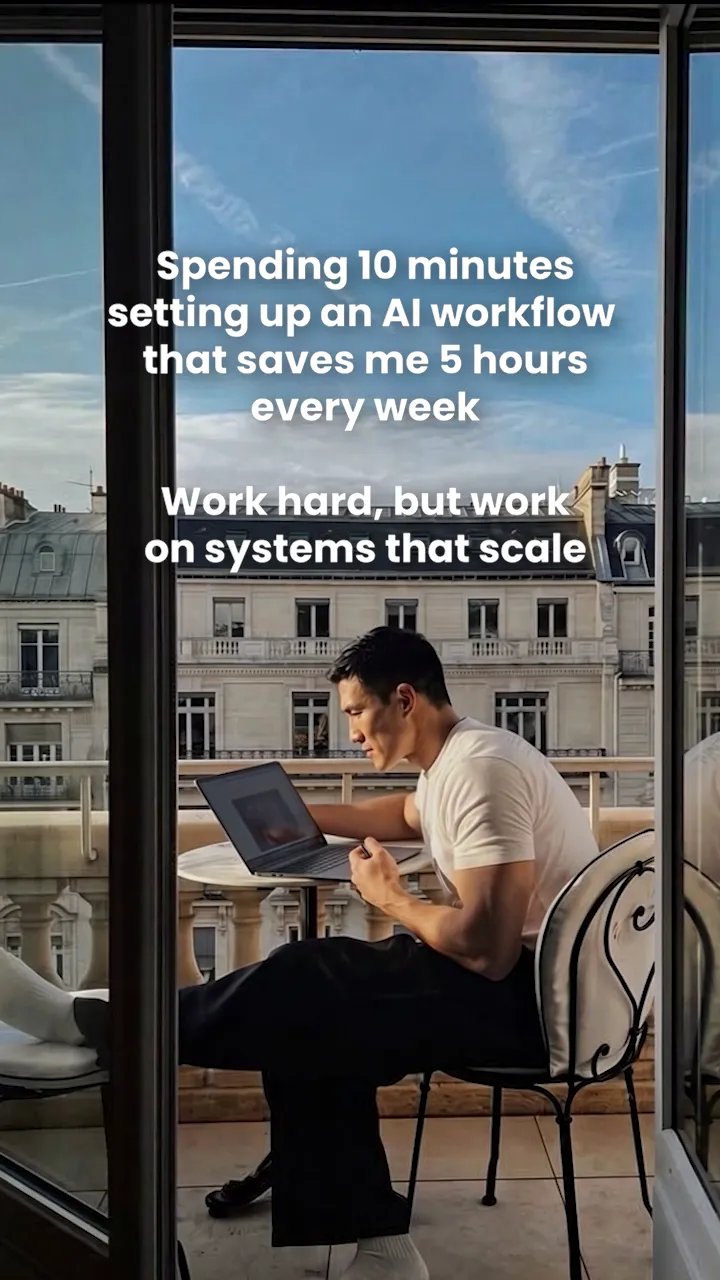
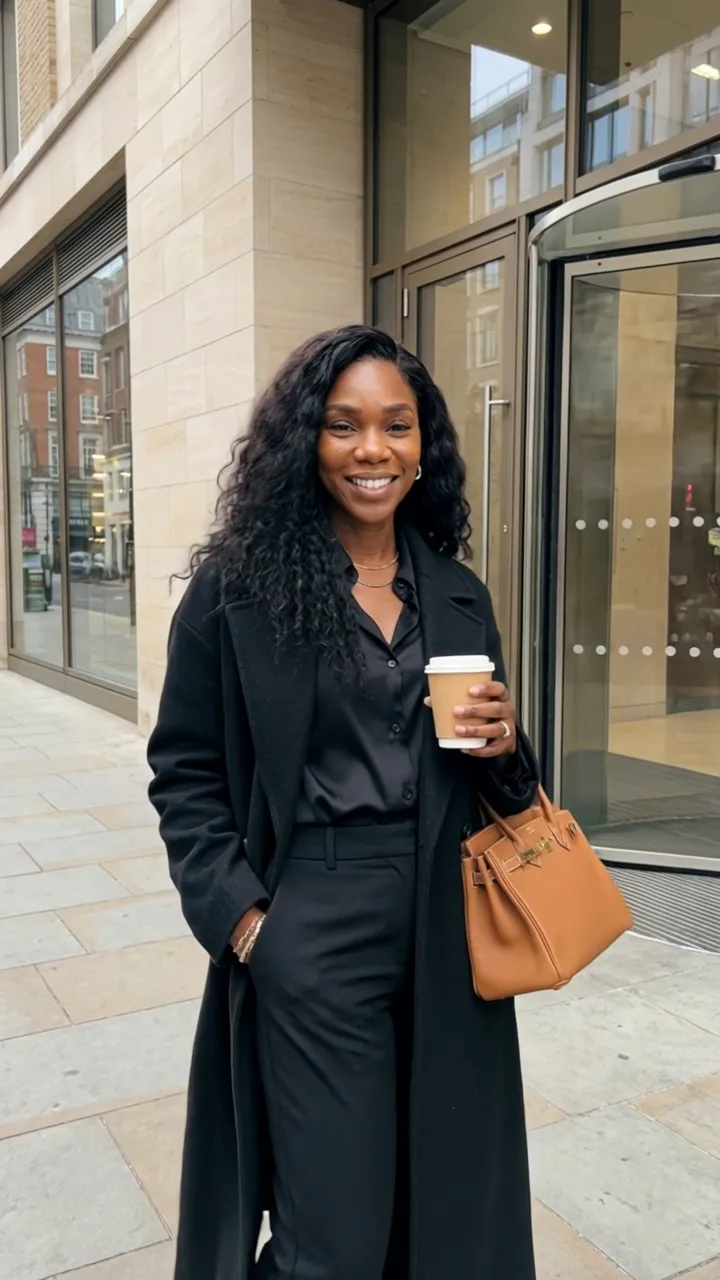
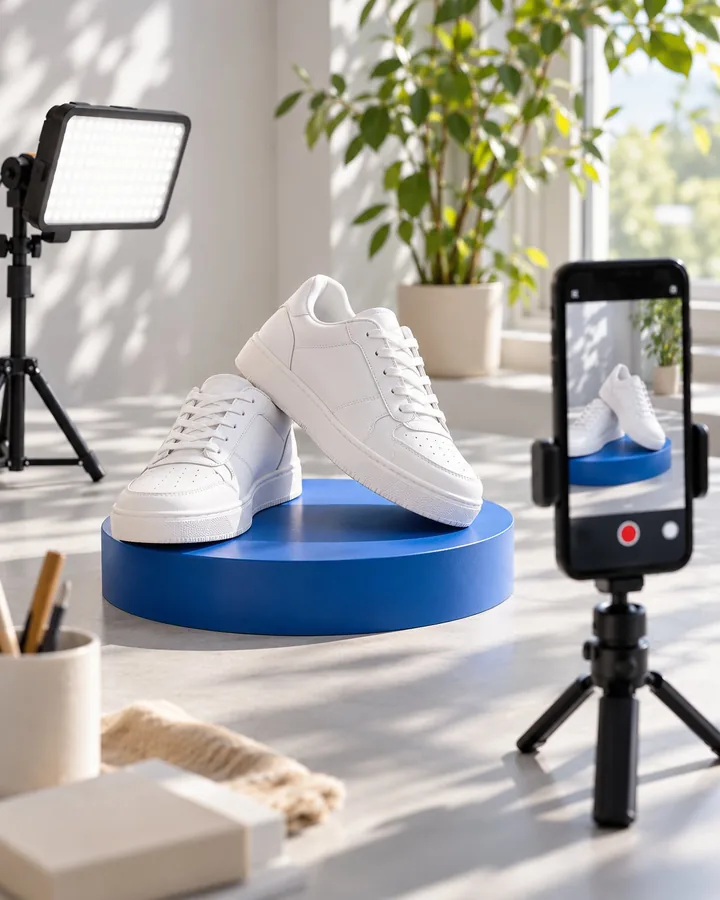
 9:16 · 15–30 sec
Product ads
Turn a product image into a short ad with a strong opening, a clear product benefit, voice-over, and a call to action.
Professions/AI Video Creator
AI Video Creator · free course
Learn to create AI-powered product videos. No camera, studio, or previous AI experience needed.
What students create by the end of the course.
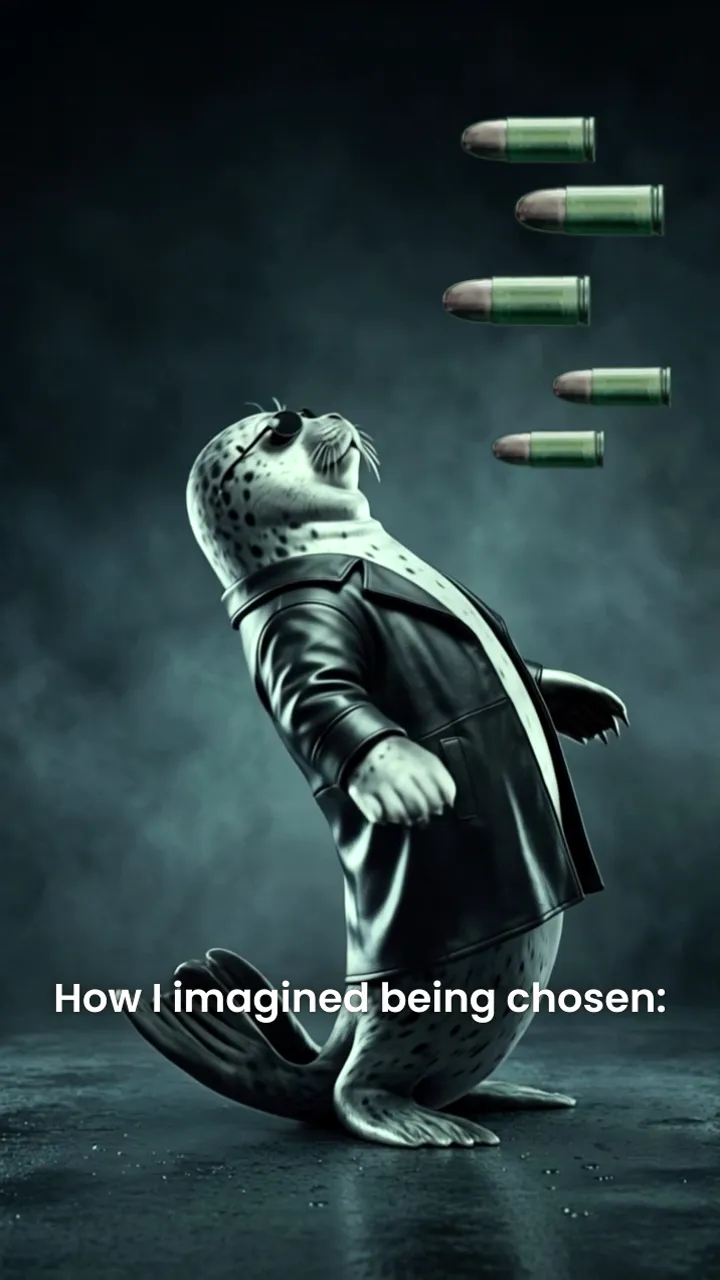 0:10
0:10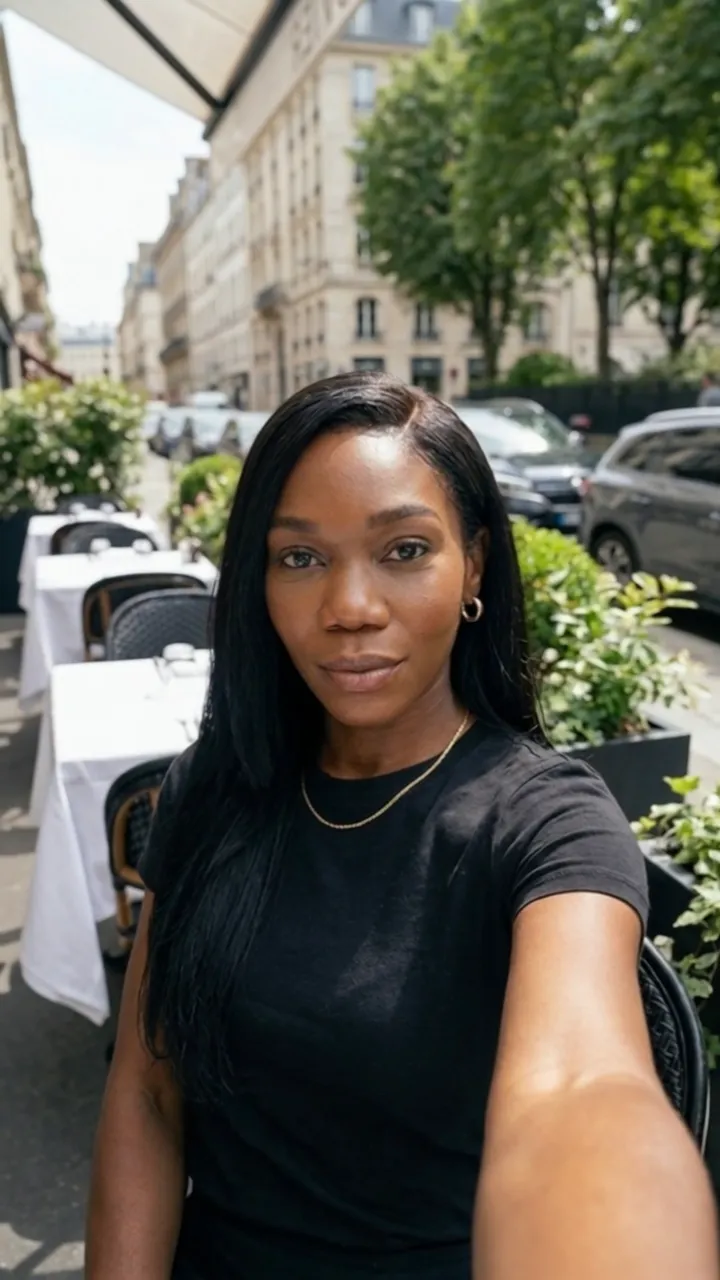 0:05
0:05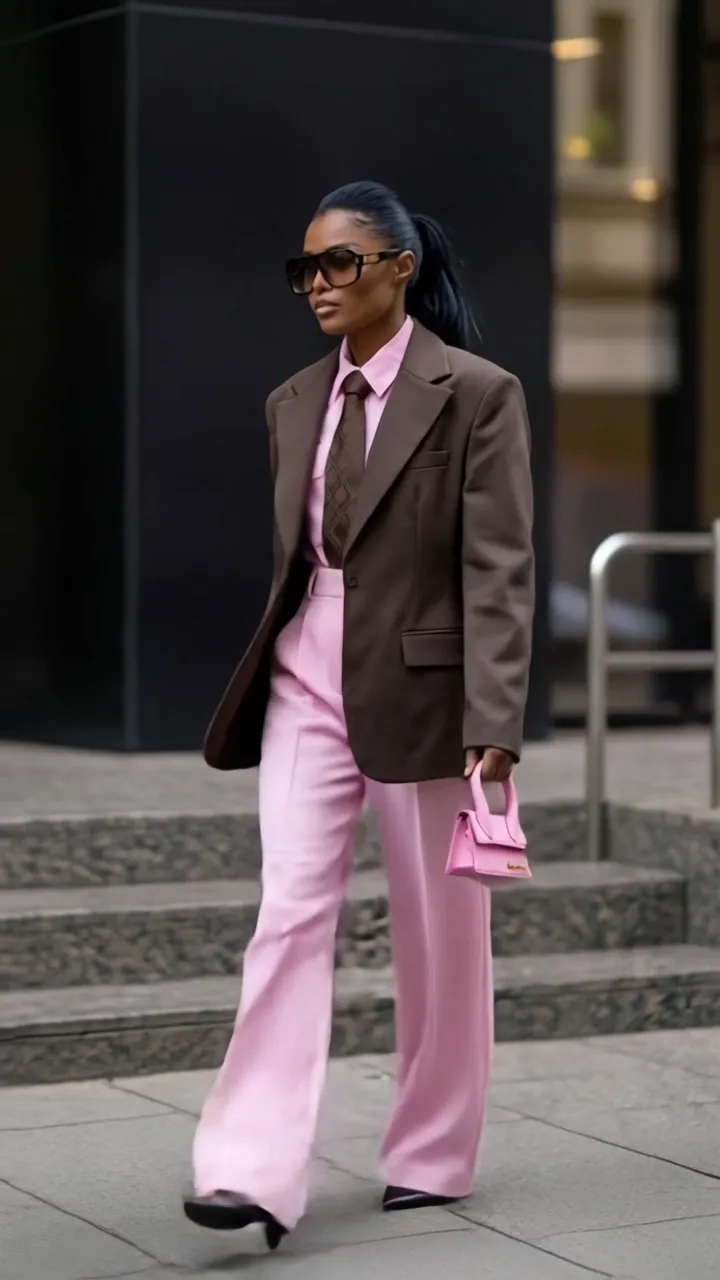 0:04
0:04Shape the message, generate visuals and voice, and edit a video ready to share.
9:16 · 15–30 secTurn a product image into a short ad with a strong opening, a clear product benefit, voice-over, and a call to action.
 9:16 · 15–30 sec
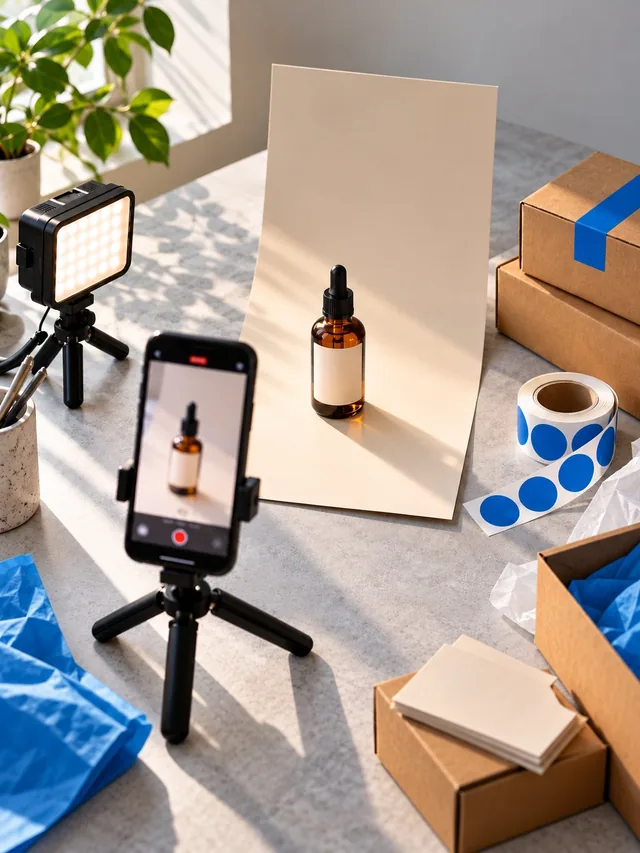
Create a product demo without arranging a live shoot — with just your phone and ideas.
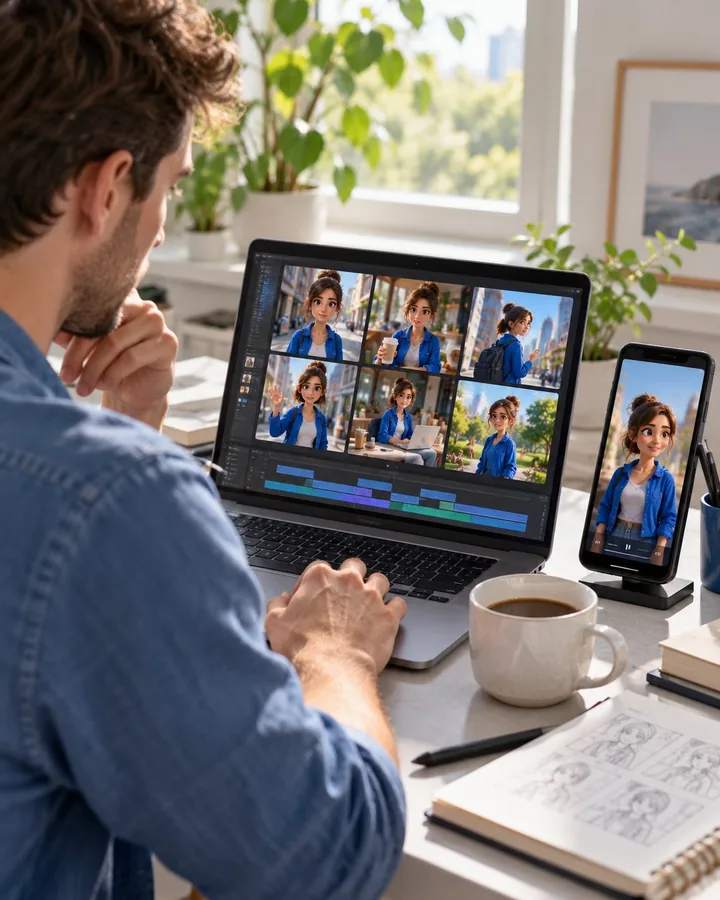 9:16 · 15–30 sec
Produce short scenes with an AI character, keeping the character's appearance consistent across shots.
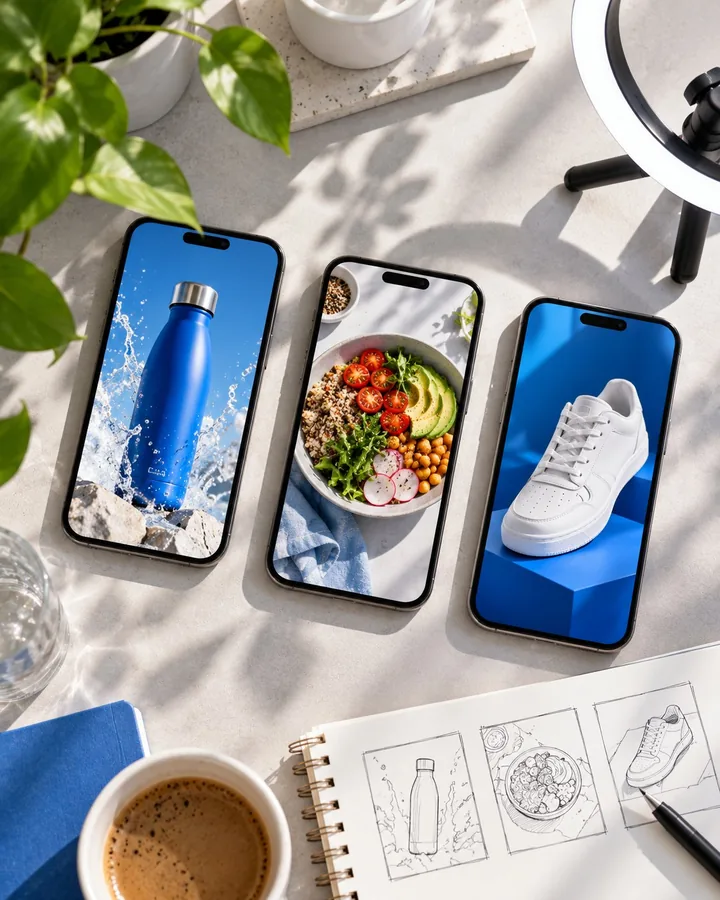 9:16 · 15–30 sec
Make vertical videos for TikTok, Instagram Reels, and YouTube Shorts, with visuals that fit the product and brand.
Want to create better product videos or start a new career? This course will give you the tools you need.
 Own business
Creating product videos can be expensive, time-consuming, or hard to organize when you're running a business on your own.
Use AI tools to make short videos for your own products without arranging a camera shoot or hiring a full production crew.
 Freelance or a remote job
You want to explore freelance or remote work, but you don't have a portfolio or know how to get your first practical experience.
Create three video projects you can share as examples of your work when approaching clients or applying for opportunities.
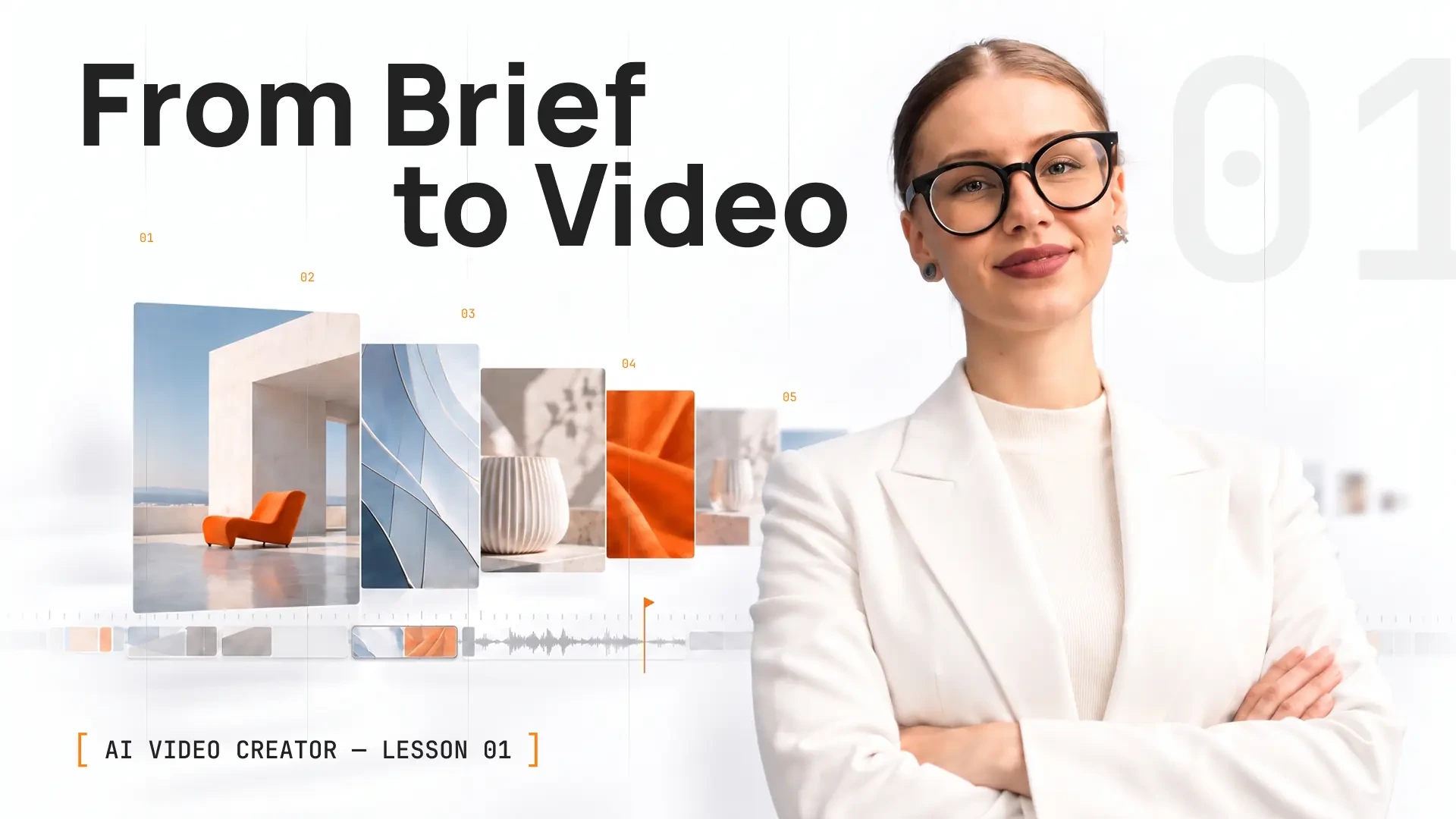
Start with the brief. See how a product video comes together, which tools handle each task, and how to plan your first project.
Short product videos help brands present products across social feeds, product pages, and advertising.
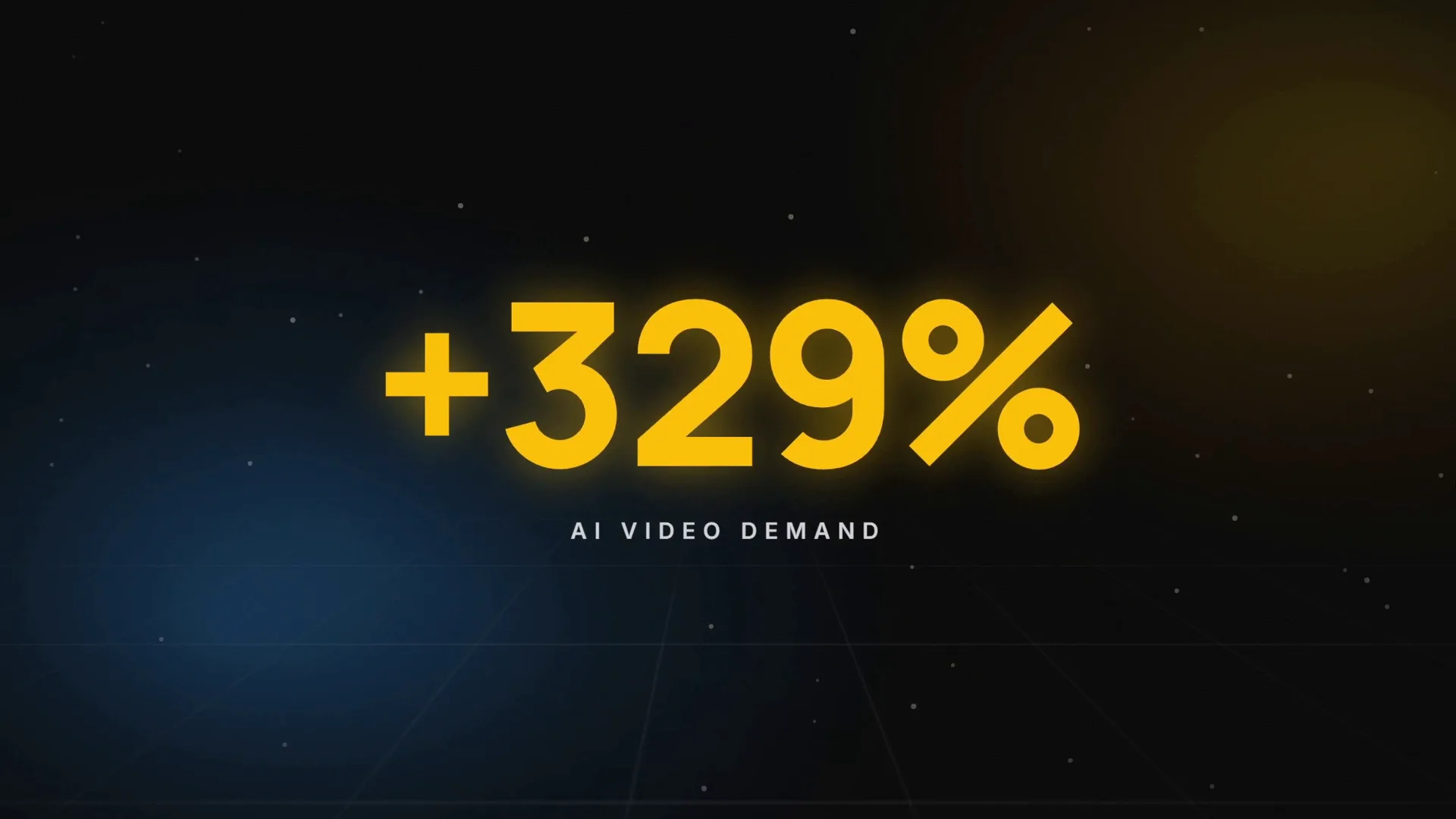
Year-over-year growth in demand for AI video generation and editing on Upwork, as reported in its 2026 In-Demand Skills report
Upwork In-Demand Skills 2026an hour is what this work pays experienced creators
Freelance market rates, 2026Script, visuals, voice and edit — in one workflow
The course pipeline, lessons 1–6Six practical lessons. Each one adds a piece of the process, from planning the message to exporting a video ready to share.
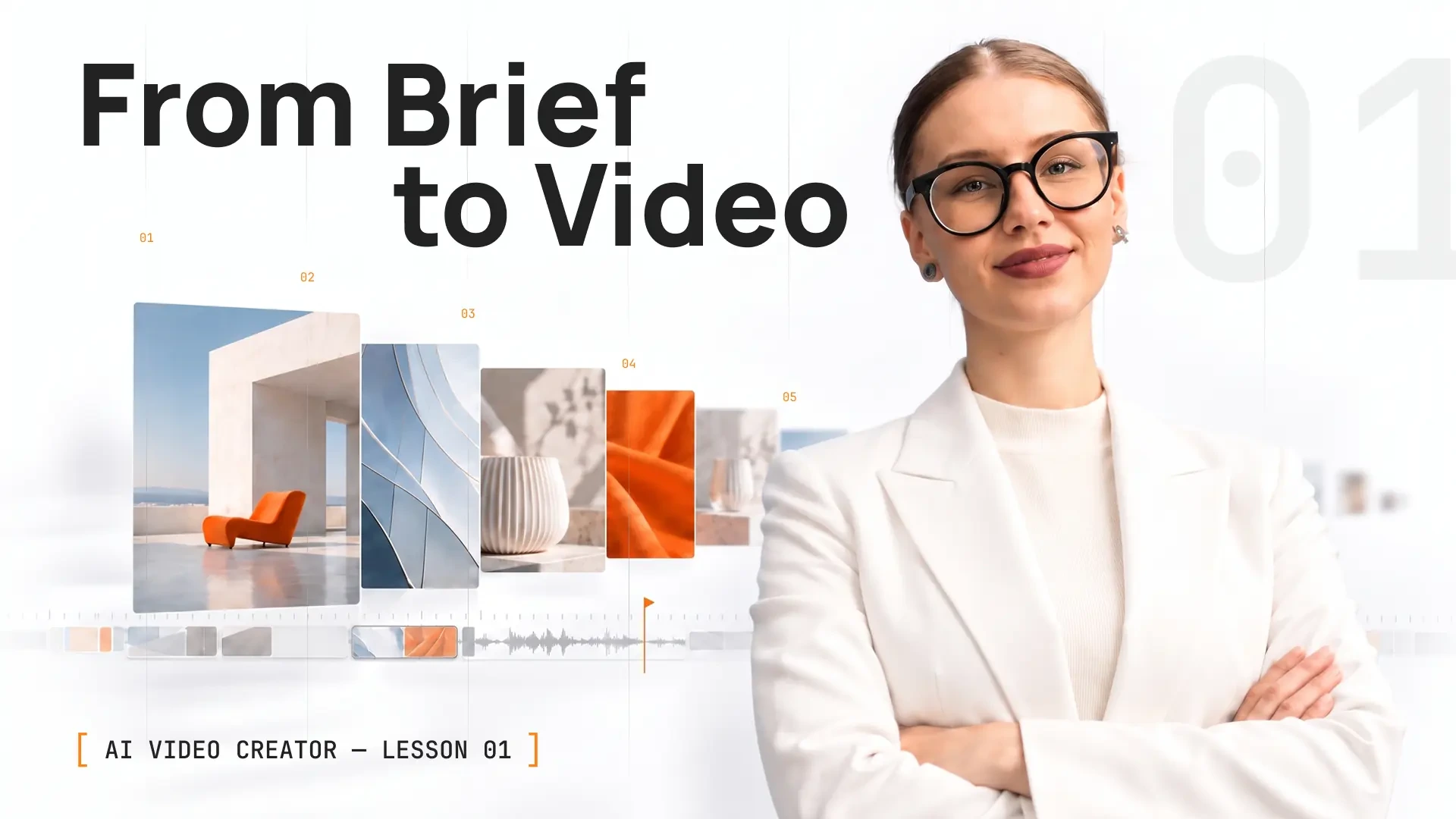 The profession, the tools, the moneyYou'll create: A brief for your first videoClaudeSellvia store18 min
This is the start of the course. You see what the job really is, which tool does which part of it and what the work pays. You leave with a short brief for the first video you will make.
 Your first ad reel in 15 minutesYou'll create: A finished 12–15 second reelClaude
 CapCutGemini
 Kling10 min
The whole pipeline end to end, at the smallest possible scale. You pick a product, get a short script from Claude, build the reel in CapCut and export it vertical in 1080p.
 How prompting worksYou'll create: Three prompts and three test clipsKlingVeoSoraSeedance8 min
The tool is what you see, the prompt is what does the work. You learn the five-element formula and how Kling, Veo, Seedance and Sora each read it differently. Write once, use in any tool.
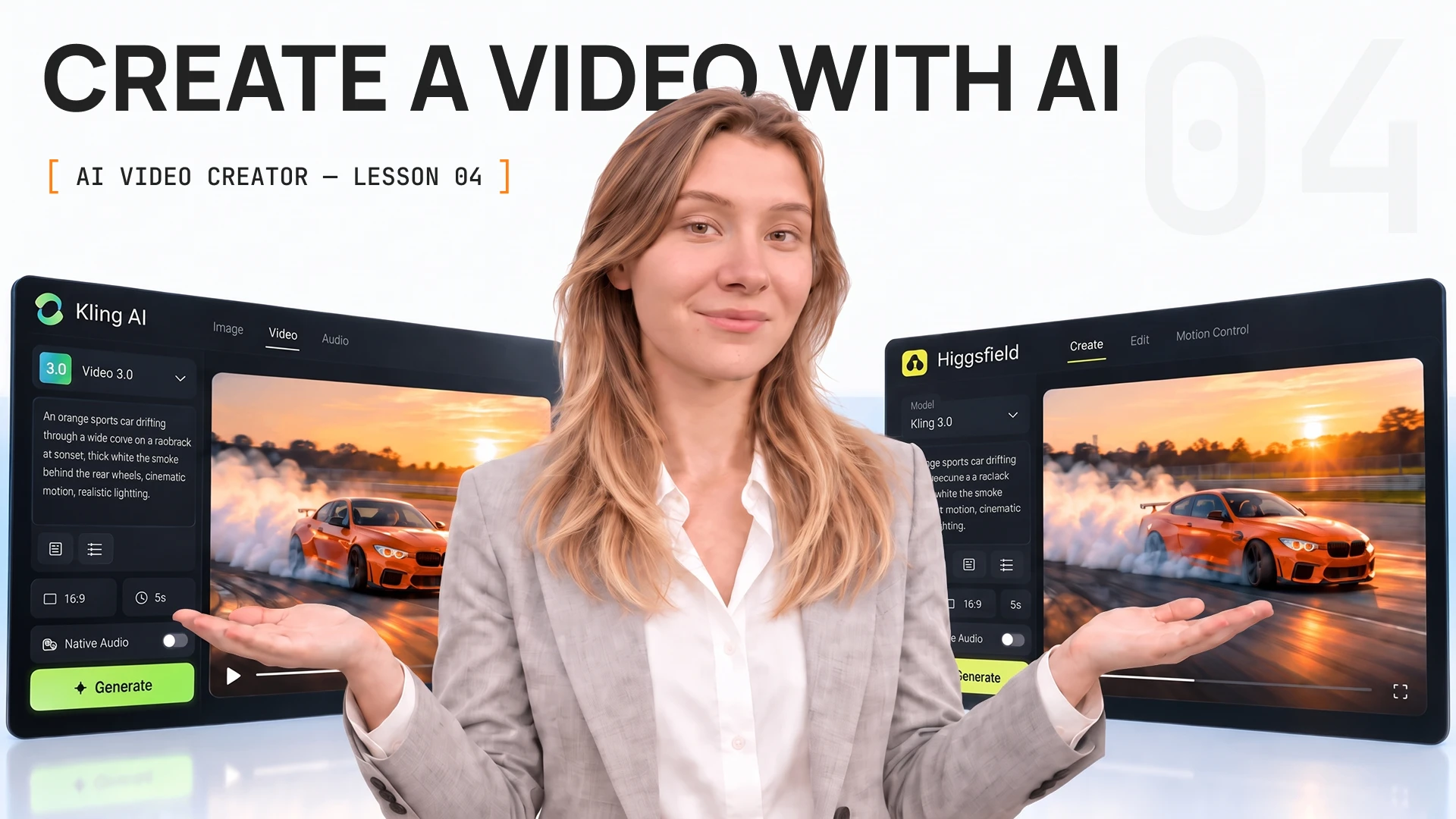 Generating video — Kling & HiggsfieldYou'll create: Six clips and a comparisonKling
 HiggsfieldFlux3Wan 3.010 min
Kling generates the raw shots, Higgsfield adds presets and control on top of it. You type a shot into existence, turn a photo into one, use camera presets and keep a character the same in every shot.
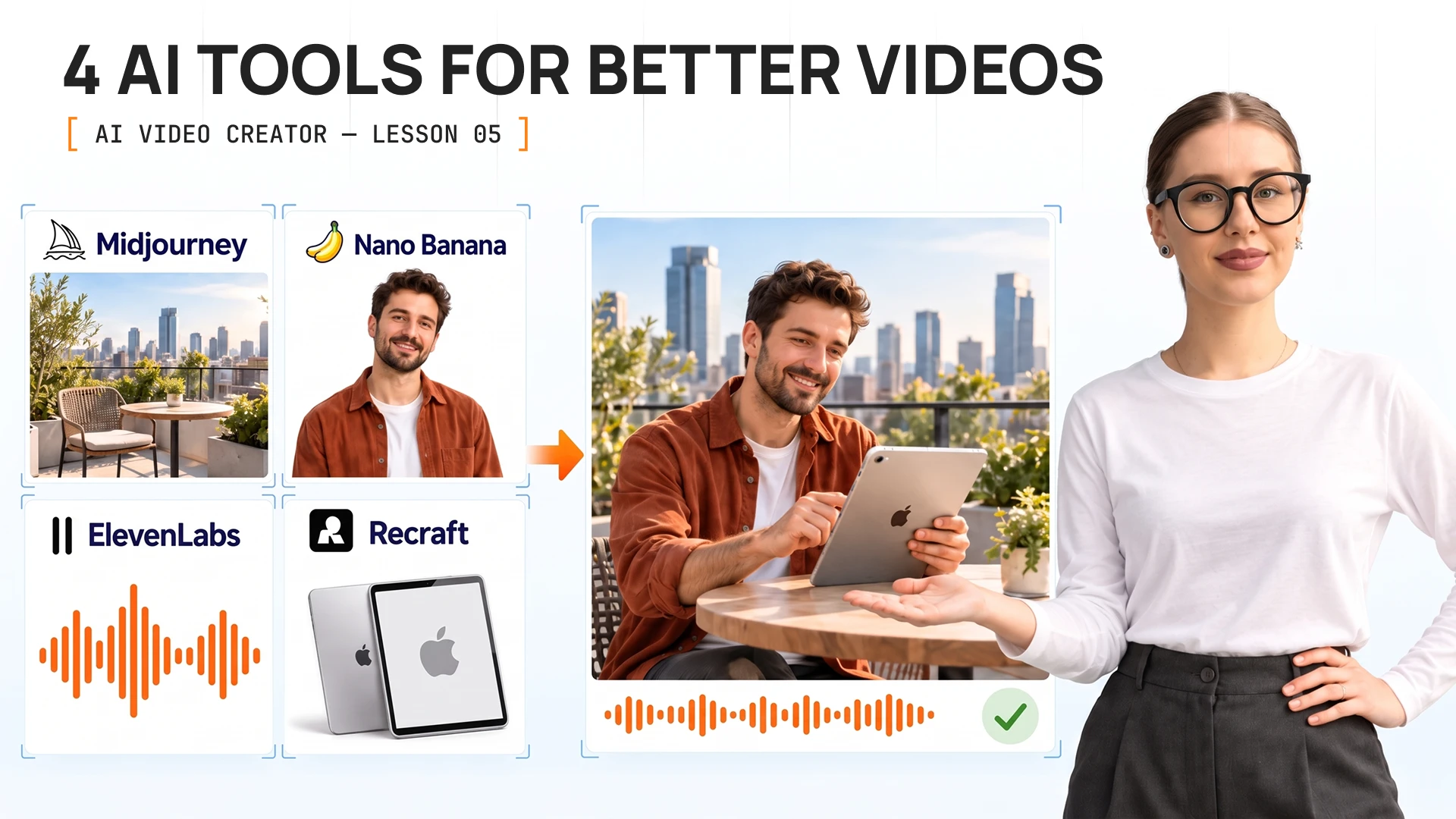 Images and voiceYou'll create: A background, a character, a voice line
 MidjourneyNanobanana
 RecraftElevenLabs9 min
Video alone is not a finished piece. You build the rest around your footage: backgrounds and moods in Midjourney, a character that stays the same in Nanobanana, vector graphics in Recraft and narration in ElevenLabs.
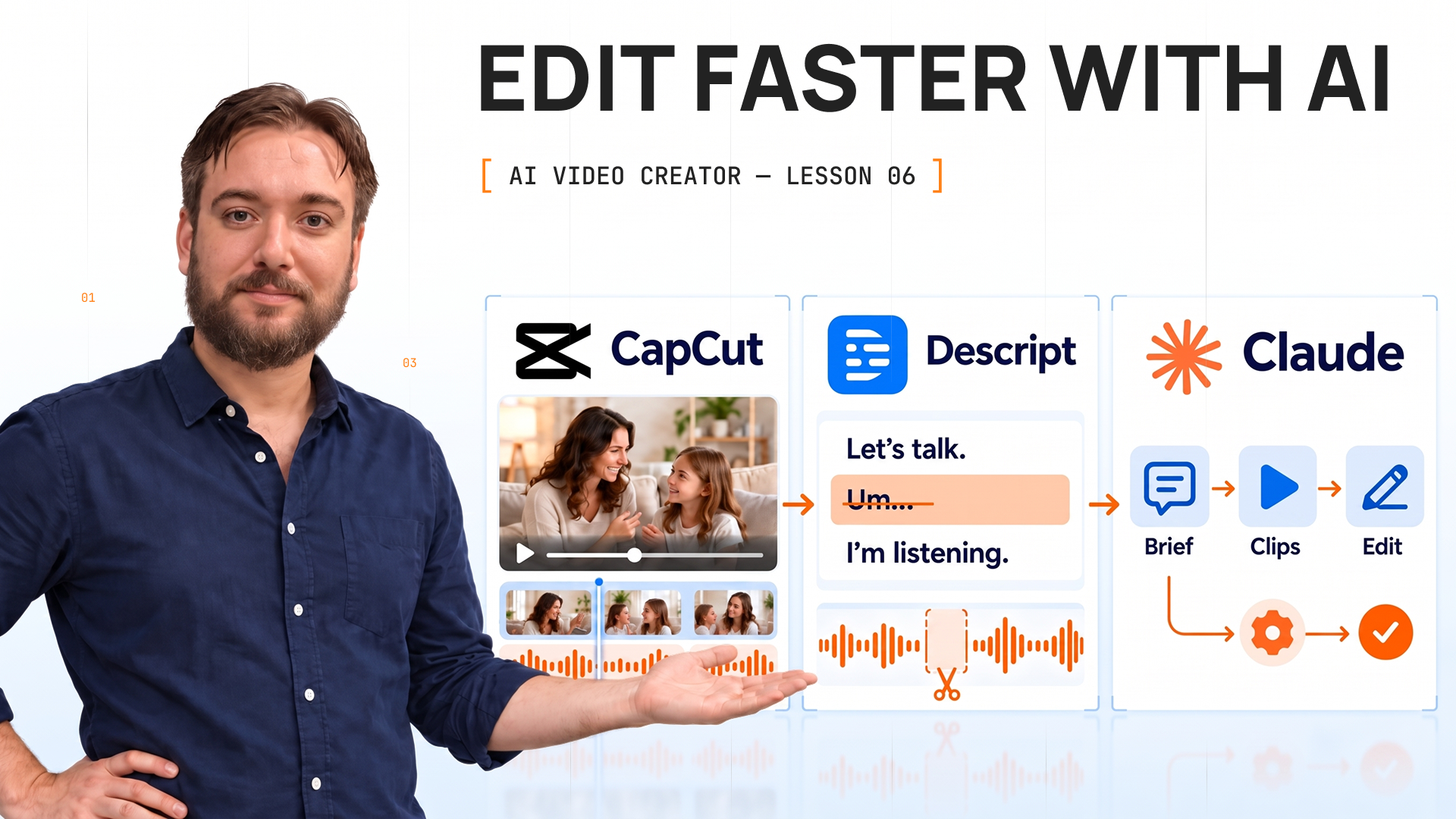 Editing, automation and deliveryYou'll create: A publish-ready video for your portfolioCapCut
 DescriptClaude8 min
The last lesson puts everything together. You assemble the video in CapCut, edit by transcript in Descript, use Claude to make the next video faster and check the file before you call it done.
Certificate after the final test
Learn each tool through a practical task, so you understand not just what it does, but when it belongs in the video-making process.
KlingHiggsfieldMidjourneyRecraftCapCutDescript“I had my first reel after the second lesson. Now I make videos for two local shops”

“I stopped paying for product shoots. Every new product gets a video the same day”

“I thought AI video was for tech people. It took one evening and my phone”

Receive a certificate in your name, listing the skills covered and your study time.
AI makes the clips. It doesn’t know what to say, what to show first or when a video is good enough to post. That’s the skill, and it’s what people pay for
About 65–85 minutes for the whole course: 6 short lessons. Do one a day or all in one evening. Your first finished reel comes after lessons 1 and 2, in about 25 minutes
Yes. Every lesson, your practice store and your certificate cost $0, and we don’t ask for a card. We make money when stores sell, and stores sell more with good video
No. Everything is generated or assembled from a product image. Use a product from your free Sellvia store or any image you already have
The lessons use free plans and show how far each one goes. Midjourney is the only paid tool, and lesson 5 shows you how to finish without it
3 finished vertical videos with captions and a voice-over, the scripts and clips behind them, and a certificate you can add to LinkedIn
Yes. The same videos that sell someone else’s product sell yours. Many students start with the free store that comes with the course
We don’t place students. What gets you the first client or interview is finished work, and that’s what you walk out with
Two lessons. About 25 minutes. $0 to start, no card required.